
Export a guide as video
Learn how to export a guide as an MP4 video and download it for sharing, presentations or offline viewing
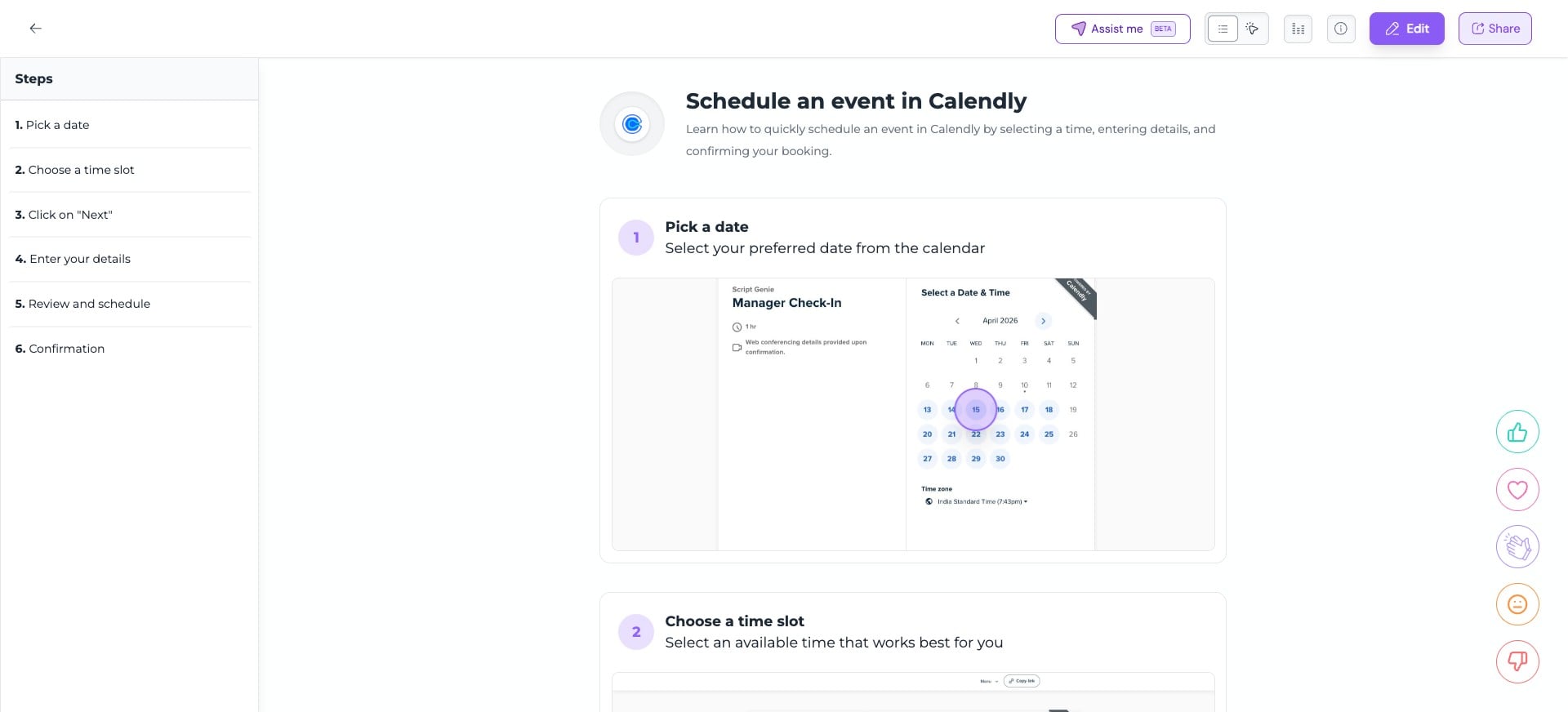
Open the guide you want to export and click on "Share"

Click on "Export" tab
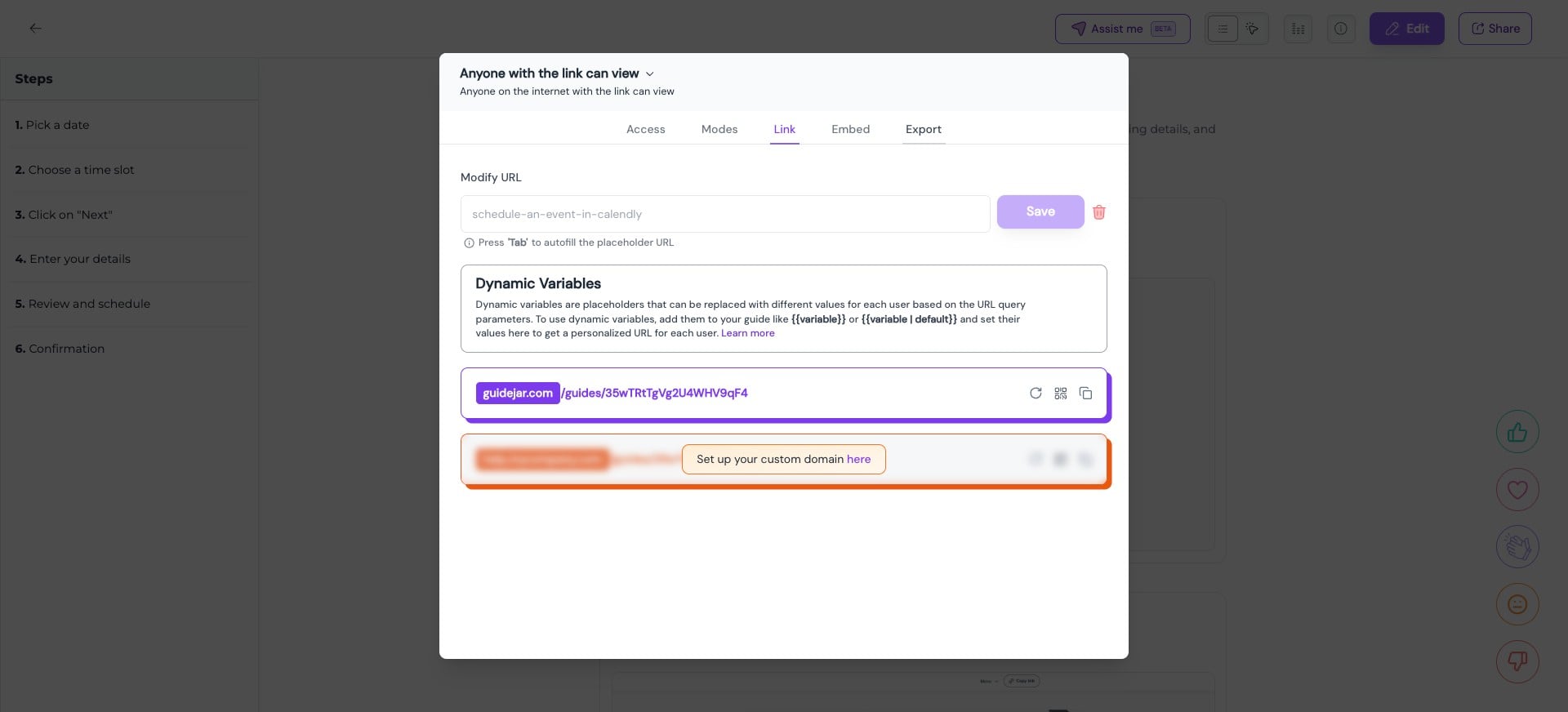
Here you can export the guide as an MP4 video
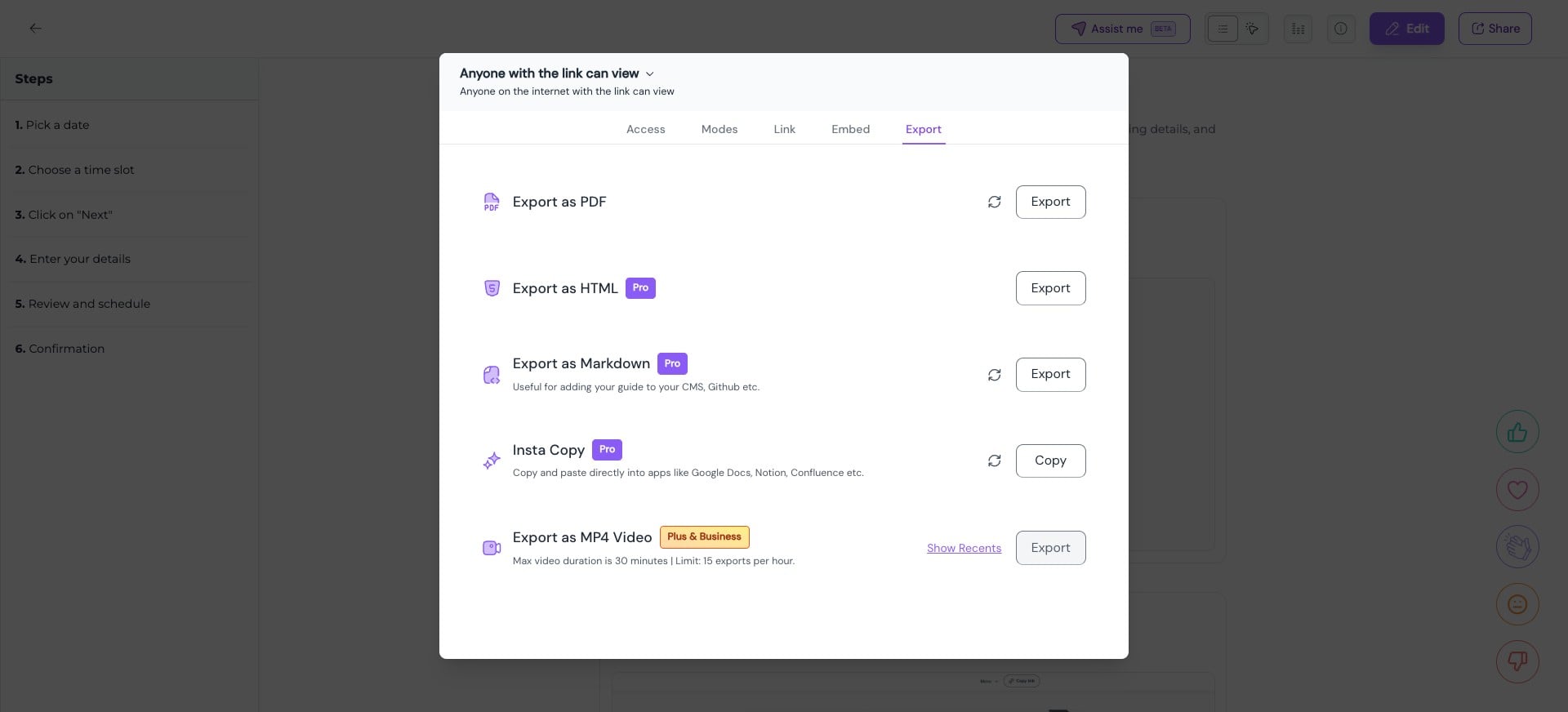
Choose your preferences and click on "Export Video" to generate the MP4 file
Video exports may take some time to process, depending on the length of the video. You can return to the Recent Exports tab at any time to download your exported videos.
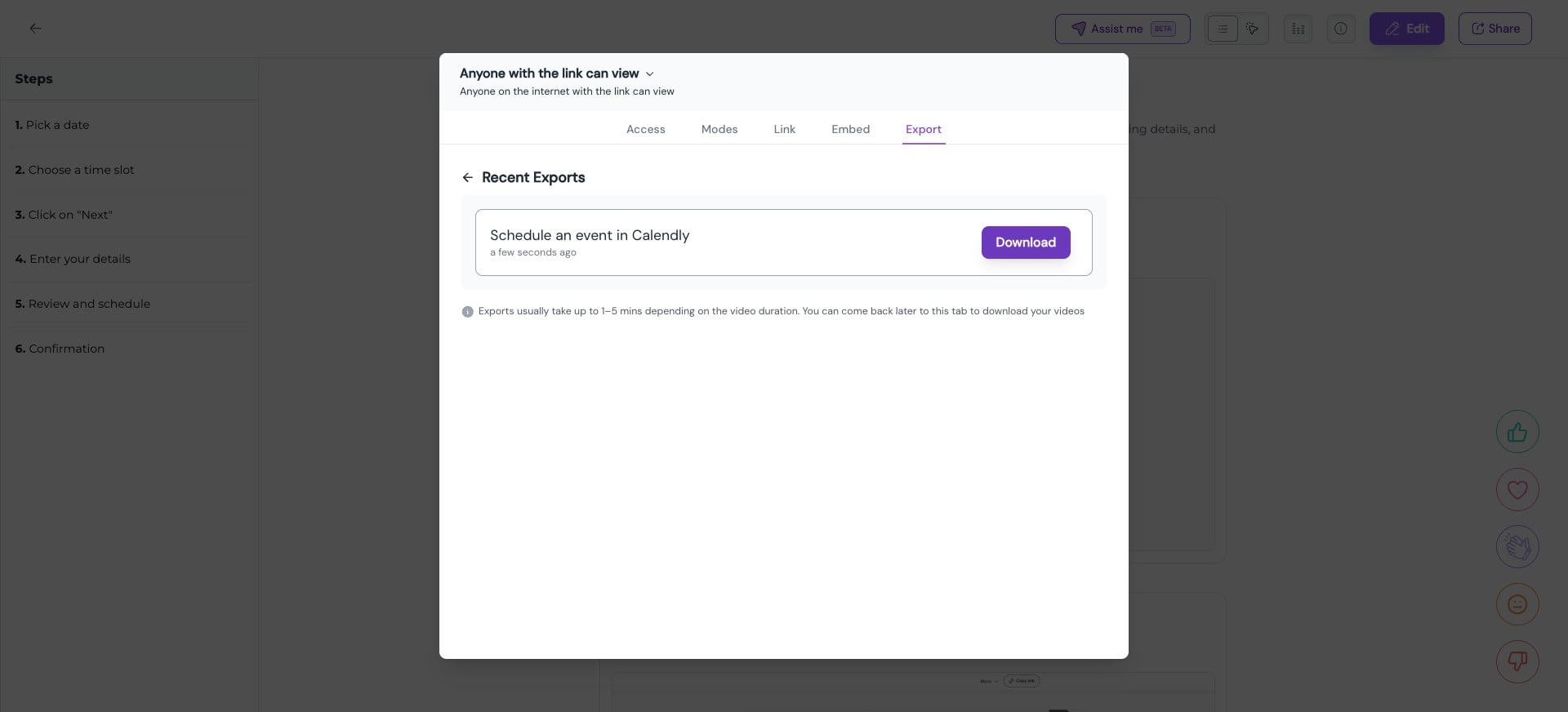
Here's a preview of the exported MP4 video
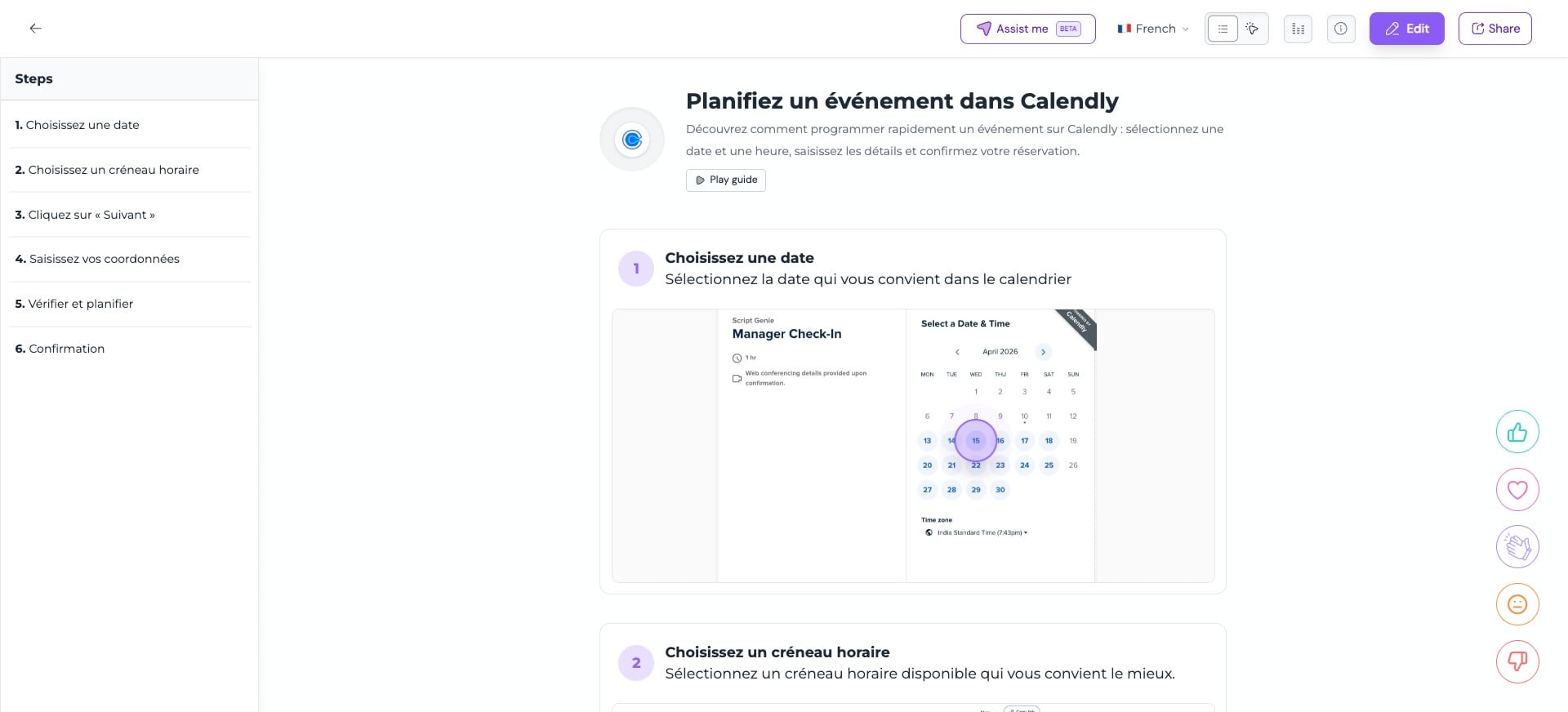
If your guide has multiple translations and you wish to export it in a particular language, first switch to that language and then follow the above mentioned steps
Frequently Asked Questions
- What is the longest video I can export?
Exported videos cannot exceed a total duration of 30 minutes
- Can I download the subtitles (.srt file) separately when exporting a guide as a video?
Yes, you can download the SRT file individually
- Which plans include the video export feature?
Video exporting is available exclusively on the Plus, Business and Enterprise plans